To turn a photo into a paint by numbers, the image has to be reduced to a limited palette (usually 24–48 colors), simplified into clear shapes with defined borders, and numbered so each area matches one paint color. You can do this yourself with image-editing software, or order a custom paint by numbers kit, where the conversion, printed canvas, paints and brushes are prepared for you.
This guide explains how the conversion works, how to do it yourself, which photos give the best results, and when a ready-made kit is the better choice.
Quick Steps: Photo to Paint by Numbers
- Choose a sharp photo with one clear subject and good contrast.
- Crop it to the shape of the canvas.
- Reduce the colors to a limited palette, typically 24–48.
- Simplify soft edges into clean shapes and remove tiny fragments.
- Draw outlines and assign a number to each color area.
- Print the outlines on canvas and match paints to the numbers.
Most problems appear in steps 3 and 4. Too many colors or leftover tiny shapes make the canvas frustrating to paint.
How Paint by Numbers From a Photo Works
Every conversion, manual or automatic, follows the same three stages.
1. Color Reduction
A photo contains thousands of tones. Conversion groups them into a fixed number of paint colors. Fewer colors mean larger, easier areas but less detail. More colors keep subtle shading but create more small sections.
| Number of colors | Result | Best for |
|---|---|---|
| 24 | Larger areas, fewer transitions | First kits, simple photos, pets with solid fur |
| 36 | Balanced detail and effort | Most portraits and family photos |
| 48 | Subtle shading, many small areas | Detailed faces, landscapes, experienced painters |
2. Line Simplification
Photos have soft, gradual edges. Paint by numbers needs clear borders, so each color area is turned into a closed shape. Tiny fragments are merged into their neighbors, because a shape smaller than a brush tip is almost impossible to paint cleanly.
3. Number Mapping
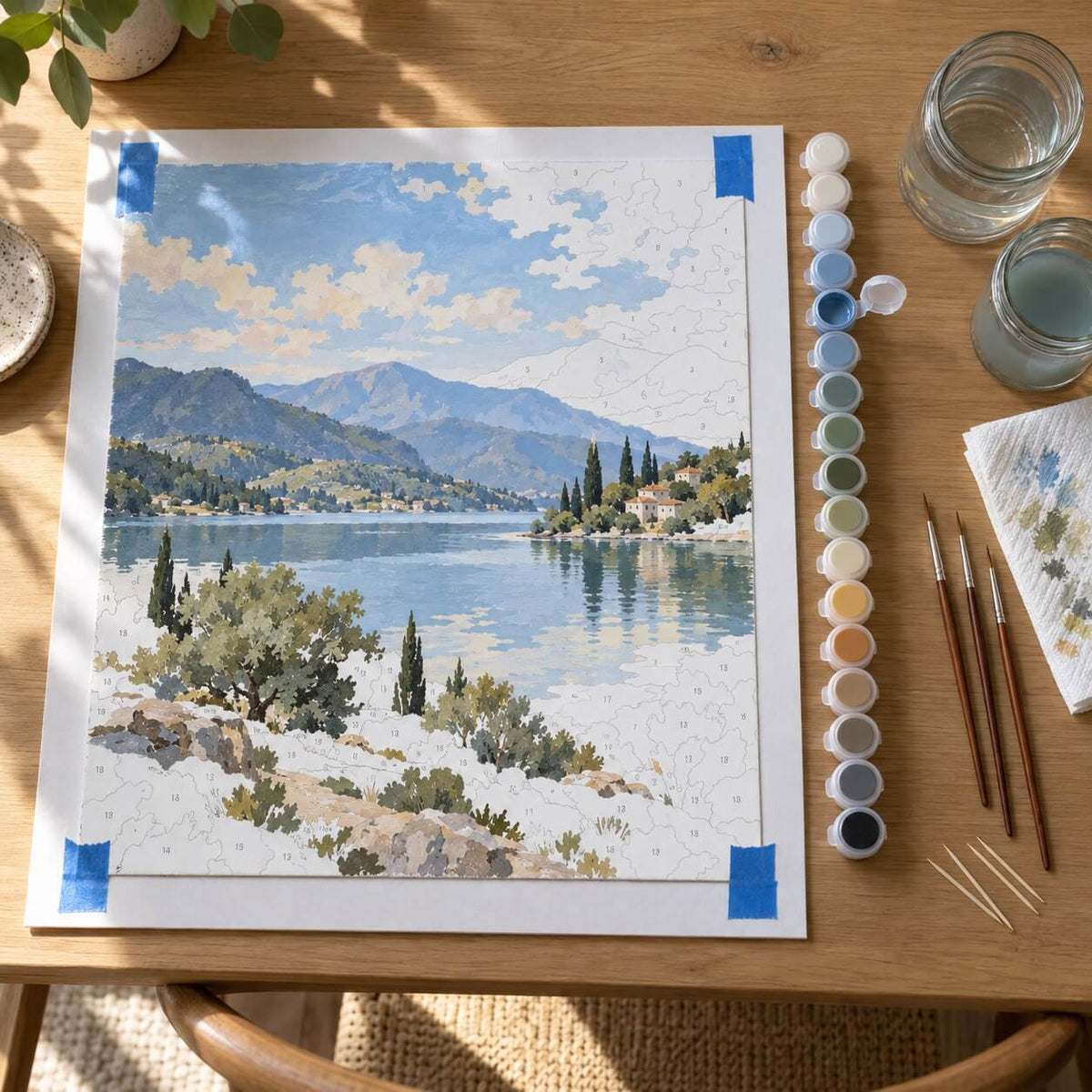
Each shape gets the number of its color, and each number matches one paint pot. A reference sheet shows the finished image, so the painter only has to fill shapes accurately.
How to Convert a Photo Yourself
A DIY conversion is possible with free or paid software, but numbering the areas is still largely manual work.
Each step serves the painting, not the screen: fewer colors mean fewer paint pots, and merged fragments mean no areas smaller than a brush tip.
In Photoshop
- Crop the photo to your canvas ratio and increase contrast slightly (Image > Adjustments > Levels or Curves).
- Simplify shapes with Filter > Filter Gallery > Artistic > Cutout. Raise "Edge Simplicity" until small details merge.
- Limit the palette with Image > Adjustments > Posterize, or convert the image to Indexed Color with a set number of colors.
- Create outlines, for example with Filter > Stylize > Find Edges on a copy of the layer.
- Add a number to each area by hand with the Text tool, and make a matching color key.
In GIMP (Free)
GIMP offers the same basic tools: crop, adjust contrast, then use Colors > Posterize to reduce the palette. Outlines can be made with Filters > Edge-Detect > Edge, and numbers are added with the Text tool.
Online Paint by Number Generators
Free online generators upload a photo and return a numbered template in seconds. They are fast, but they often split faces and shadows into many tiny areas, and the file still needs to be printed on canvas and matched with paints.
What Actually Happens When You Try DIY
I tested this with a few photos (a portrait and a pet). The first export looked fine on screen, but once printed, the face broke into dozens of tiny sections that were hard to fill cleanly. Shadows turned into patchy blocks and lighter areas lost detail. I had to repaint several areas twice to cover numbers and lines, which slowed everything down. The pet photo worked better, but still needed simplifying before it felt comfortable to paint. This is usually where people stop or look for a cleaner, prepared version.
DIY vs Custom Paint by Numbers Kit
| DIY conversion | Custom kit | |
|---|---|---|
| Cost | Free to low (software, printing, paints bought separately) | One price for canvas, paints and brushes |
| Time before painting | Several hours of editing and numbering | None, you upload a photo |
| Color matching | You buy and match paints yourself | Pre-mixed paint pots numbered to the canvas |
| Small-area cleanup | Manual, easy to miss | Checked and simplified before printing |
| Best for | Experimenting, learning the process | Portraits, pets and photos that matter |
How a Custom Paint by Numbers Kit Is Made
When you order a custom kit from us, the conversion is prepared by our team rather than left to an automatic filter:
- You upload a photo and choose the canvas size, number of colors and frame option.
- We prepare the image. If needed, we retouch it for better contrast and color saturation, then simplify small details so the shapes stay paintable.
- The design is converted into 24, 36 or 48 numbered colors.
- The kit is produced and shipped. Most orders are prepared within 1–2 business days and arrive 5–8 business days after dispatch (5–10 for international orders). Current times are always shown on the product page.
What Is Included in a Custom Kit
- a canvas printed with your numbered design, in sizes from 40 × 40 cm to 60 × 75 cm
- pre-mixed acrylic paints, one pot per number
- 3 brushes
- a reference sheet of the finished image
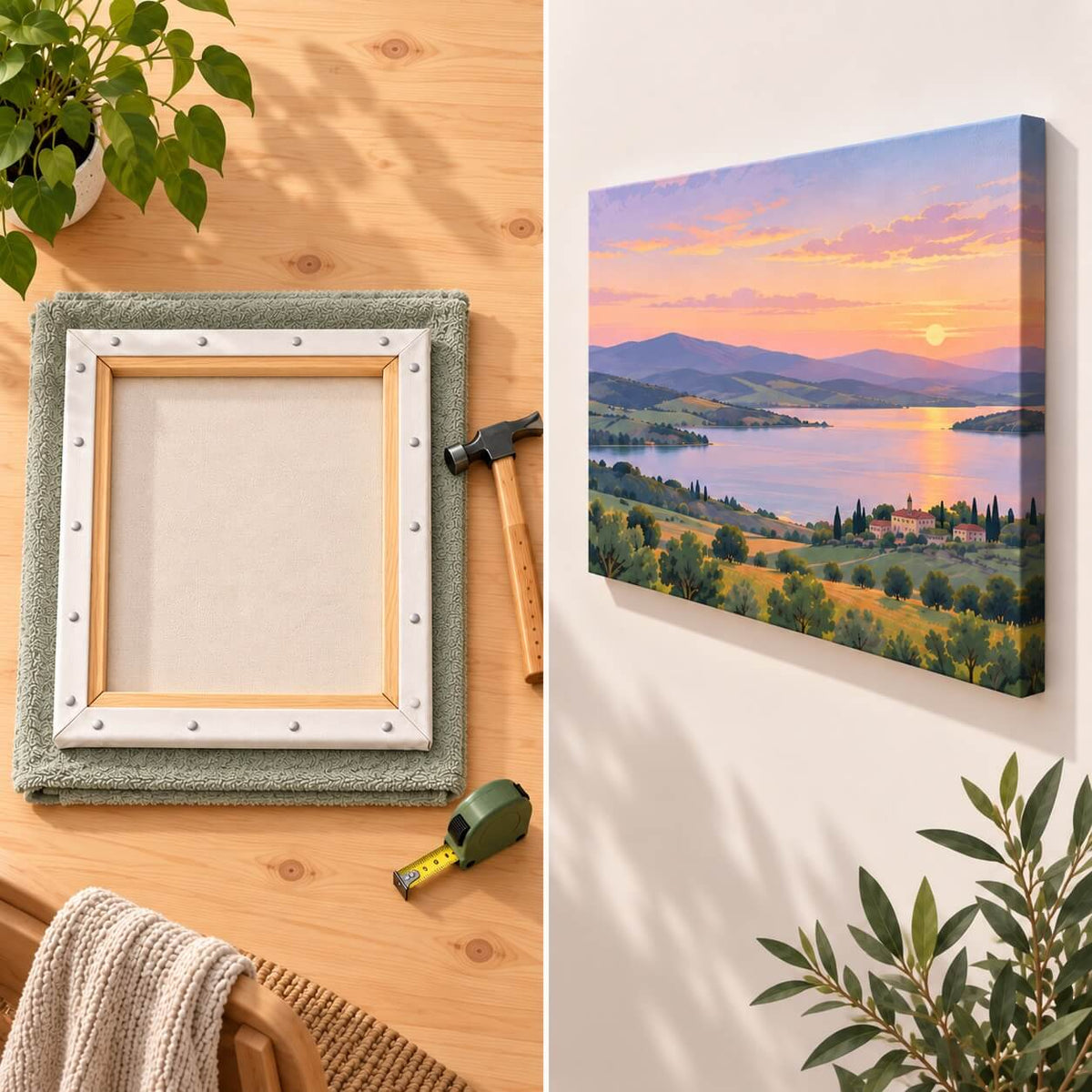
- a frame, depending on the option you choose: rolled canvas, rolled canvas with a DIY wooden frame, or a pre-framed canvas ready to hang
Once your kit arrives, follow our step-by-step guide on how to paint by numbers.
Best Photos for Paint by Numbers
A sharp, well-lit photo matters more than the number of colors you choose. The subject should also be large enough in the frame to keep its details after conversion.
| Works well | Causes problems |
|---|---|
| Sharp focus on the main subject | Blurry or motion-blurred photos |
| Natural daylight, visible details | Dark, low-light or night photos |
| Face or subject filling a large part of the frame | Small faces in a wide group or landscape shot |
| Simple, uncluttered background | Busy backgrounds with many small objects |
| Clear contrast between subject and background | Subject and background in similar colors |
| Original photo | Heavy filters, screenshots, collages |
No minimum resolution is required, but a clearer photo keeps more detail after conversion. Crop out empty space before ordering, so the subject takes up more of the canvas.
Pet Photos
For pets, take the photo at the animal's eye level, in daylight, with the face centered and in focus. Fur texture converts best when the light comes from the side. Black or very dark fur needs good light, otherwise details disappear. For dogs, cats and other animals, see our pet paint by numbers kit.
Family, Wedding and Memorial Photos
Group photos work when each face is large and clearly lit. With more than a few people, choose a larger canvas and 36 or 48 colors so faces keep their features. For wedding and memorial portraits, pick the sharpest version of the photo even if it isn't the favorite pose. A clear photo turns into a much better painting than a blurry one with a nicer expression.
Which Canvas Size and Number of Colors to Choose
For a first custom kit with one subject and a simple background, 40 × 50 cm with 24 colors is a comfortable start. Portraits of one or two people and pets with detailed fur look better at 50 × 65 cm with 36 colors. Group photos and detailed scenes need the space of 60 × 75 cm and the shading of 48 colors.
A larger canvas makes each area bigger and easier to paint, while more colors add realism but also more small sections. Our paint by numbers canvas size guide explains the trade-offs in more detail.
Frequently Asked Questions
Can I turn any photo into a paint by numbers?
Almost any photo can be converted, but sharp, well-lit photos with one clear subject give the best result. Dark, blurry or very busy photos lose detail during color reduction.
Is there a free way to turn a photo into paint by numbers?
Yes. GIMP is free, and online generators can create a numbered template. You still need to print it on canvas and buy and match the paints yourself.
How many colors should a paint by numbers from a photo have?
Between 24 and 48 for most photos. 24 is easier and faster, 48 keeps subtle shading in faces and landscapes.
How long does it take to get a custom paint by numbers kit?
Most orders are prepared within 1–2 business days and delivered 5–8 business days after dispatch, or 5–10 for international orders.
How long does it take to paint a custom kit?
It depends on size and number of colors. A 40 × 50 cm kit usually takes 20–40 hours, spread over several weeks. See how long a paint by numbers takes for times by canvas size.
Prefer a ready-made design instead of your own photo? Browse our paint by numbers kits by subject and size.
Updated: September 28, 2026